Read a SQLite Query Plan Before You Add an Index
Run the same job-queue query before and after adding an index. Read what changed in the plan and verify that the results stayed the same.
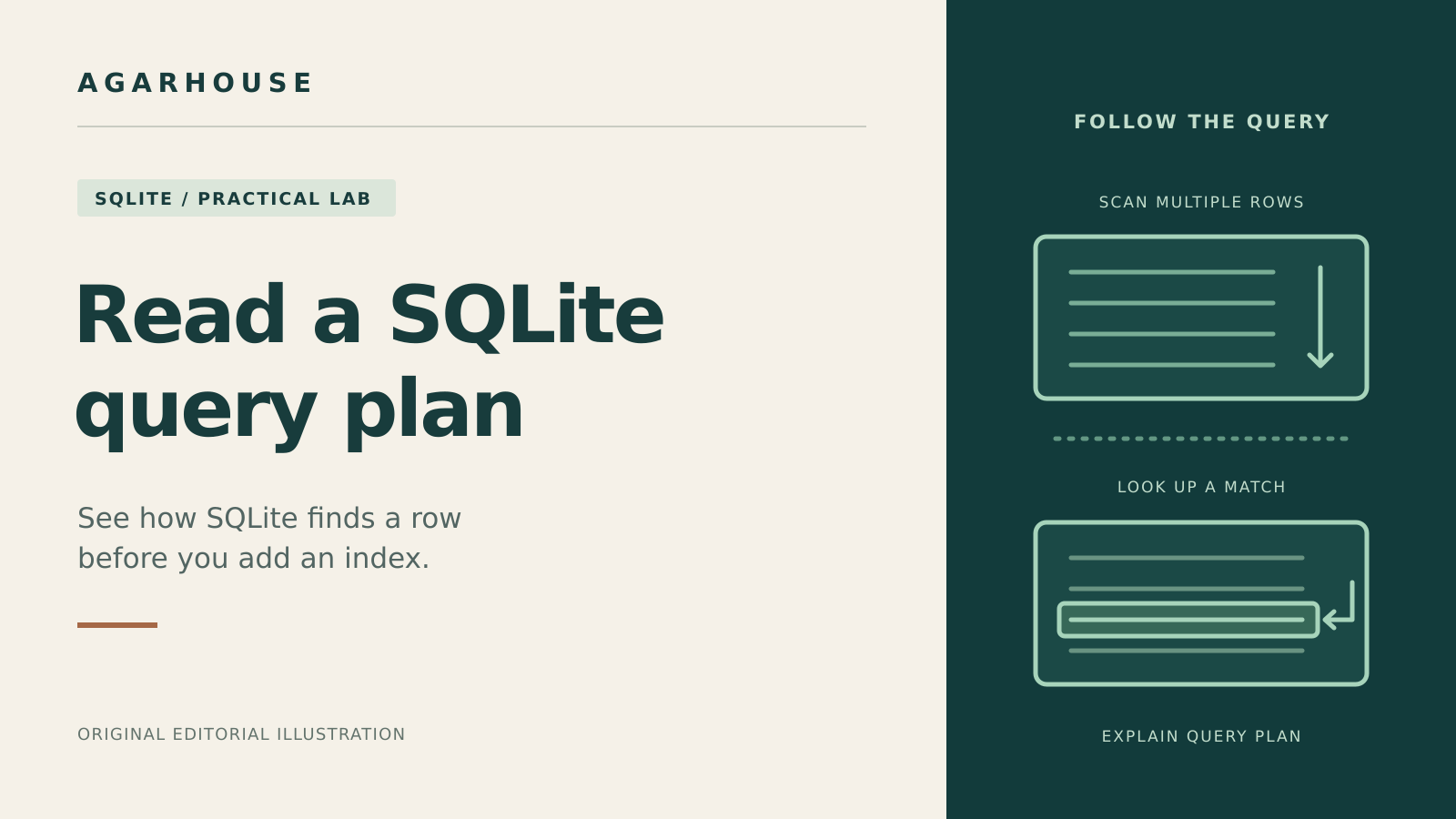
You have a query that finds the next five jobs in a queue. The results are right, but how does SQLite get them? Does it read the whole table and sort the matches, or can it go straight to the pending jobs and read them in order?
SQLite's EXPLAIN QUERY PLAN shows that difference. In this lab you’ll read the plan, add one index, check that the same five jobs still come back in the same order, and then drop the index to see the original plan again.
1. Set up a disposable lab
Open a terminal, run python3 --version, and make a new folder for the exercise. The script uses Python’s standard library, so there’s nothing to install with pip. The lab was run with Python 3.12.14 and SQLite 3.53.1; the script prints both versions because Python builds can bundle different SQLite versions.
Save this entire block as plan_lab.py in the new folder. It creates its own in-memory database with 600 fictional jobs and never opens a database file. The sample times are integers rather than real timestamps. Some jobs share a time on purpose: ORDER BY created_at, id uses the unique ID to break ties.
import sqlite3
import sys
from contextlib import closing

QUERY = """
SELECT id, created_at
FROM jobs
WHERE status = ?
ORDER BY created_at, id
LIMIT 5
"""
PARAMS = ("pending",)

def inspect(db, label):
    print(f"\n{label}")
    for _, _, _, detail in db.execute("EXPLAIN QUERY PLAN " + QUERY, PARAMS):
        print(f"  {detail}")
    rows = db.execute(QUERY, PARAMS).fetchall()
    print(f"  Rows: {rows}")
    return rows

print(f"Python {sys.version.split()[0]}, SQLite {sqlite3.sqlite_version}")
with closing(sqlite3.connect(":memory:", cached_statements=0)) as db:
    db.execute("""
        CREATE TABLE jobs (
            id INTEGER PRIMARY KEY,
            status TEXT NOT NULL,
            created_at INTEGER NOT NULL
        )
    """)
    jobs = [
        (i, ("pending", "complete", "canceled")[i % 3], (i // 6) % 20)
        for i in range(1, 601)
    ]
    db.executemany(
        "INSERT INTO jobs (id, status, created_at) VALUES (?, ?, ?)",
        jobs,
    )

    baseline = inspect(db, "Before adding the index")
    db.execute("""
        CREATE INDEX jobs_status_created_id
        ON jobs (status, created_at, id)
    """)
    indexed = inspect(db, "With the index")
    db.execute("DROP INDEX jobs_status_created_id")
    reverted = inspect(db, "After dropping the index")

    expected = [(3, 0), (120, 0), (123, 0), (240, 0), (243, 0)]
    if baseline != expected or indexed != baseline or reverted != baseline:
        raise RuntimeError("Unexpected rows or order in the practice query")
    print("\nVerified: the same five rows in the same order at every stage.")
From that folder, run:
python3 plan_lab.pyYou should see three plans, each followed by its actual rows. The last line should say Verified: the same five rows in the same order at every stage. The script checks the results, not the wording of the plans.
2. Read the plan before the index
On the tested version, the first plan included these lines:
SCAN jobs
USE TEMP B-TREE FOR ORDER BY
SCAN jobs means the plan reads the table rather than using an index to narrow the scan to pending jobs. The second line means SQLite uses a temporary sorting structure to get the matching rows into the requested order. LIMIT 5 tells SQLite how many rows to return, but doesn’t put the matching jobs in order.
3. See what changes with a composite index
The script adds an index on (status, created_at, id). Because the query filters on a single status, the index can take SQLite straight to the pending entries. Inside that group, the entries are already ordered by creation time and then ID. Now the tested plan shows:
SEARCH jobs USING COVERING INDEX jobs_status_created_id (status=?)SEARCH means SQLite is visiting a subset of rows. COVERING means the index has the values this query needs, so SQLite can return them without reading each matching row from the table. The temporary sort line is gone. The explicit id shows the whole ordering in the index definition; it isn’t always necessary here because id INTEGER PRIMARY KEY aliases the rowid, which SQLite secondary indexes already carry for this kind of table.
4. Remove the index and check again
The script drops only the index it just created and prints the plan once more. The tested version returned to the scan and temporary sort. The five (id, created_at) pairs stayed identical throughout: [(3, 0), (120, 0), (123, 0), (240, 0), (243, 0)]. That is the comparison to keep in mind: different plan, same answer. Python’s statement cache is disabled for this lab so each plan is prepared afresh after the schema changes.
If your output looks different
- No
sqlite3module: use a Python build that includes SQLite support. This lab doesn’t require the separatesqlite3command-line tool. - Different plan wording: compare the printed SQLite version and read for the access method and the sorting step rather than matching strings. SQLite documents the plan output as a debugging aid, not a stable interface.
- The row check fails: make sure you copied the entire script, including the tie-breaker and the seed rows. Don’t interpret a changed result as an indexing improvement.
There is no database file to remove; closing the connection ends the lab. Keep the script or delete only your practice copy. To apply the idea to your own app, start with a development copy and test realistic reads and writes. An index uses storage and has to be maintained when data changes. A better-looking plan for one query is a reason to measure, not a promise that the whole app will run faster.


Comments ()